Beta 0.2 · Windows · macOS · Linux
Your second brain,on your desktop.
Notes, tasks, calendar and reminders in a single window. Nothing is forced together: everything keeps its place, and you decide how to connect it.
How it worksAvailable now · v0.2.0
Windows x64 · macOS Apple Silicon · macOS Intel · Linux x64
- No account
- Works offline
- Your notes are Markdown files
The problem
Five apps to know what to do today.
Notes in one app, tasks in another, the calendar in a third and reminders in a fourth. Each with its own account, its own cloud and its own way of thinking.
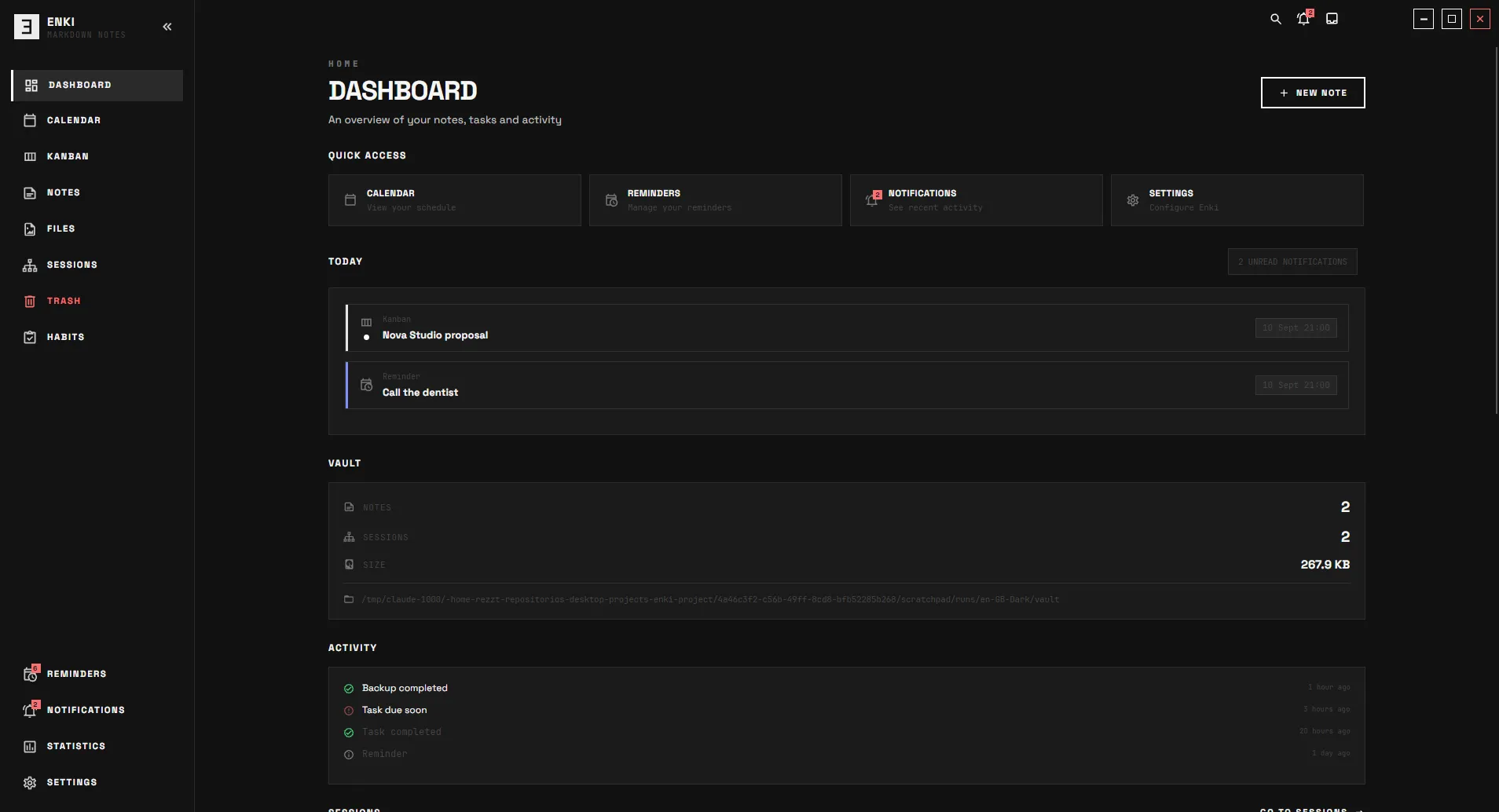
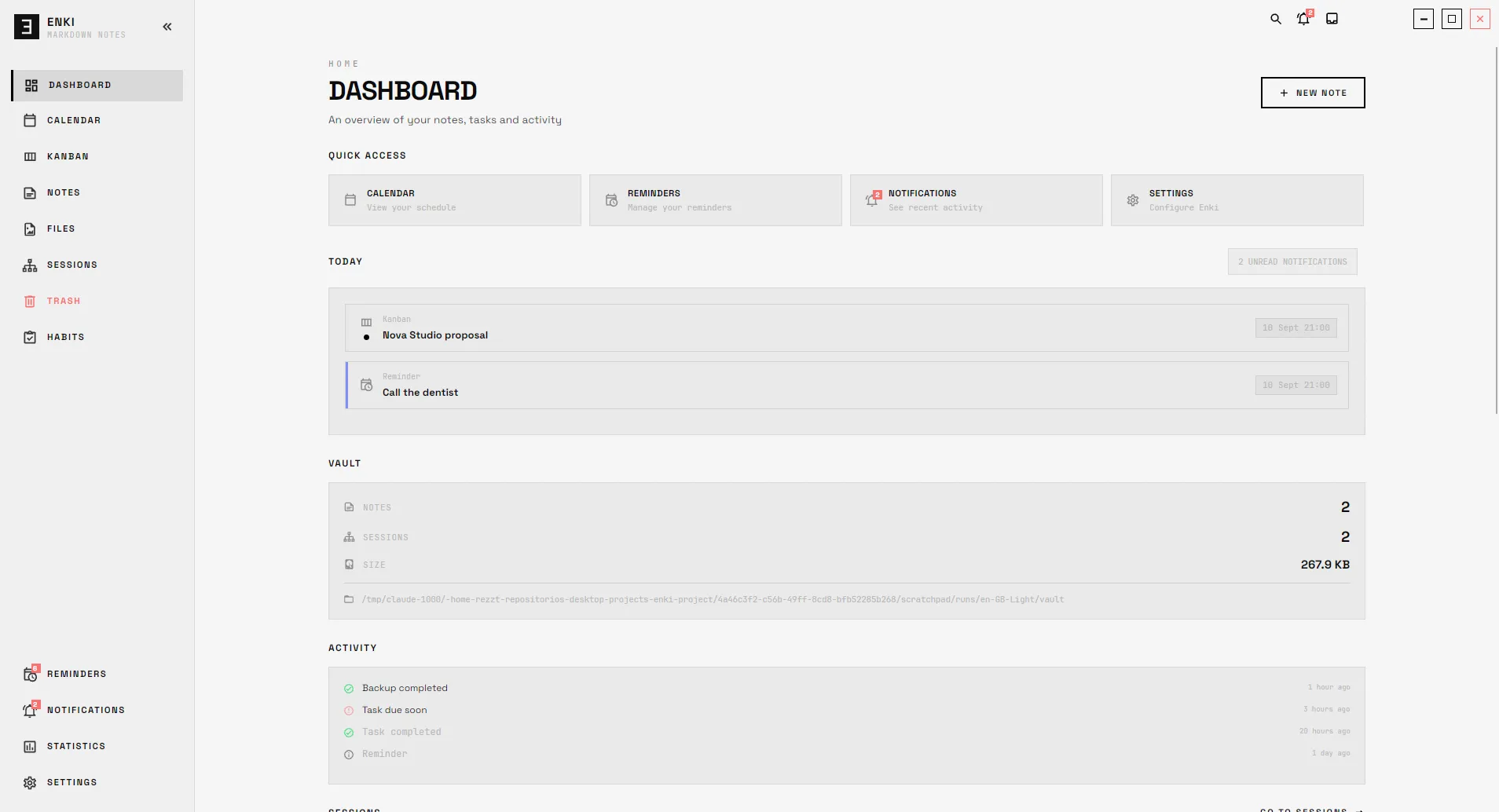
Enki brings them together in one window. Each module works on its own and makes more sense when it meets the others.
Principles
Built on four rules.
Your data is yours
Your notes are Markdown files in a folder you choose. No proprietary formats, no lock-in.
Connected, not cluttered
Each module stands alone, but a note, a task and a date can point to the same thing.
No distractions
A monochrome interface. No gamification, no streaks that reset, no constant alerts.
Works without internet
Notes, Kanban, calendar and reminders work offline. The cloud is optional, never a requirement.
Features
Everything you need, in its place.
Six modules that work on their own and understand each other.
Notes that are yours.
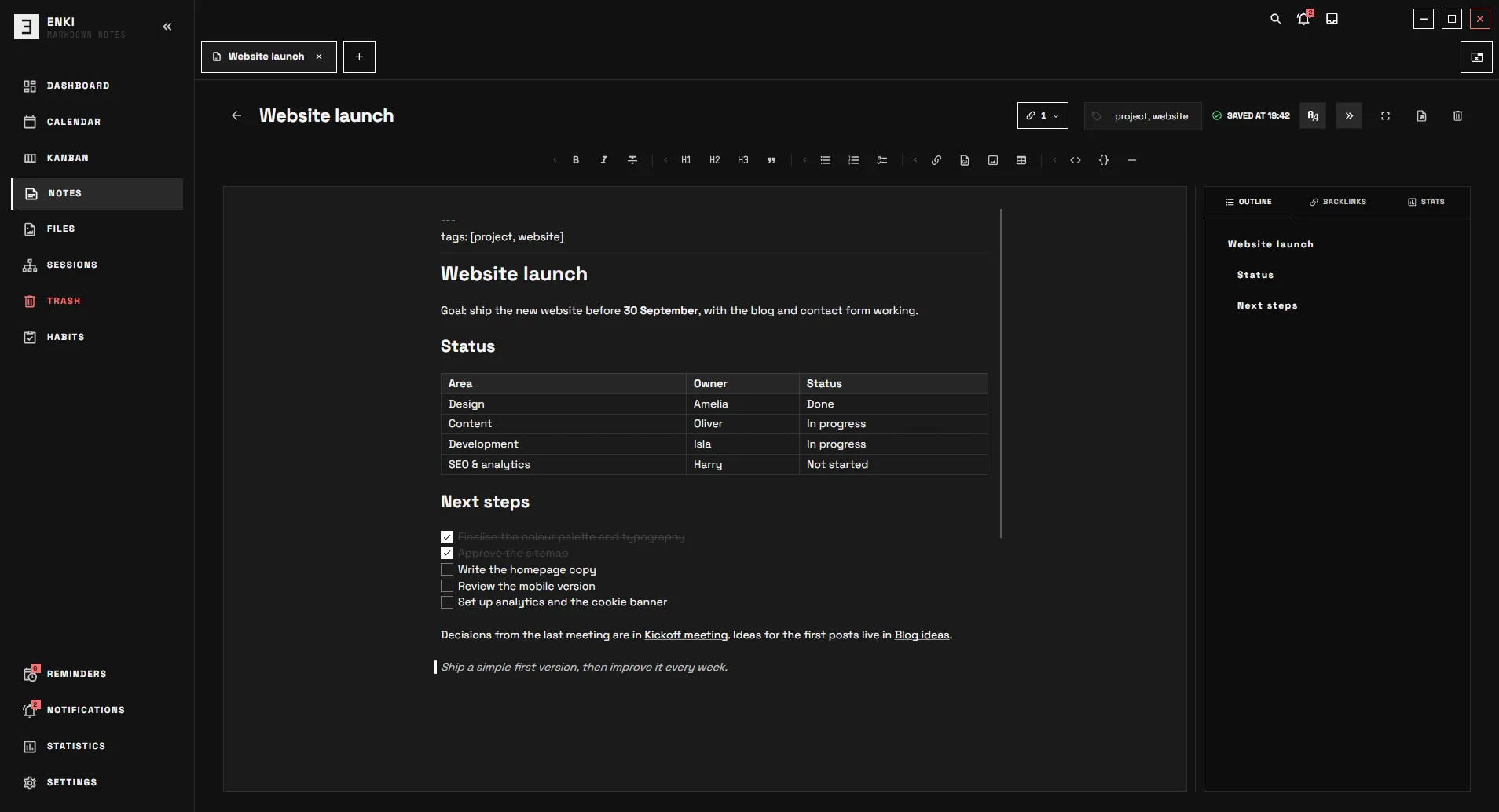
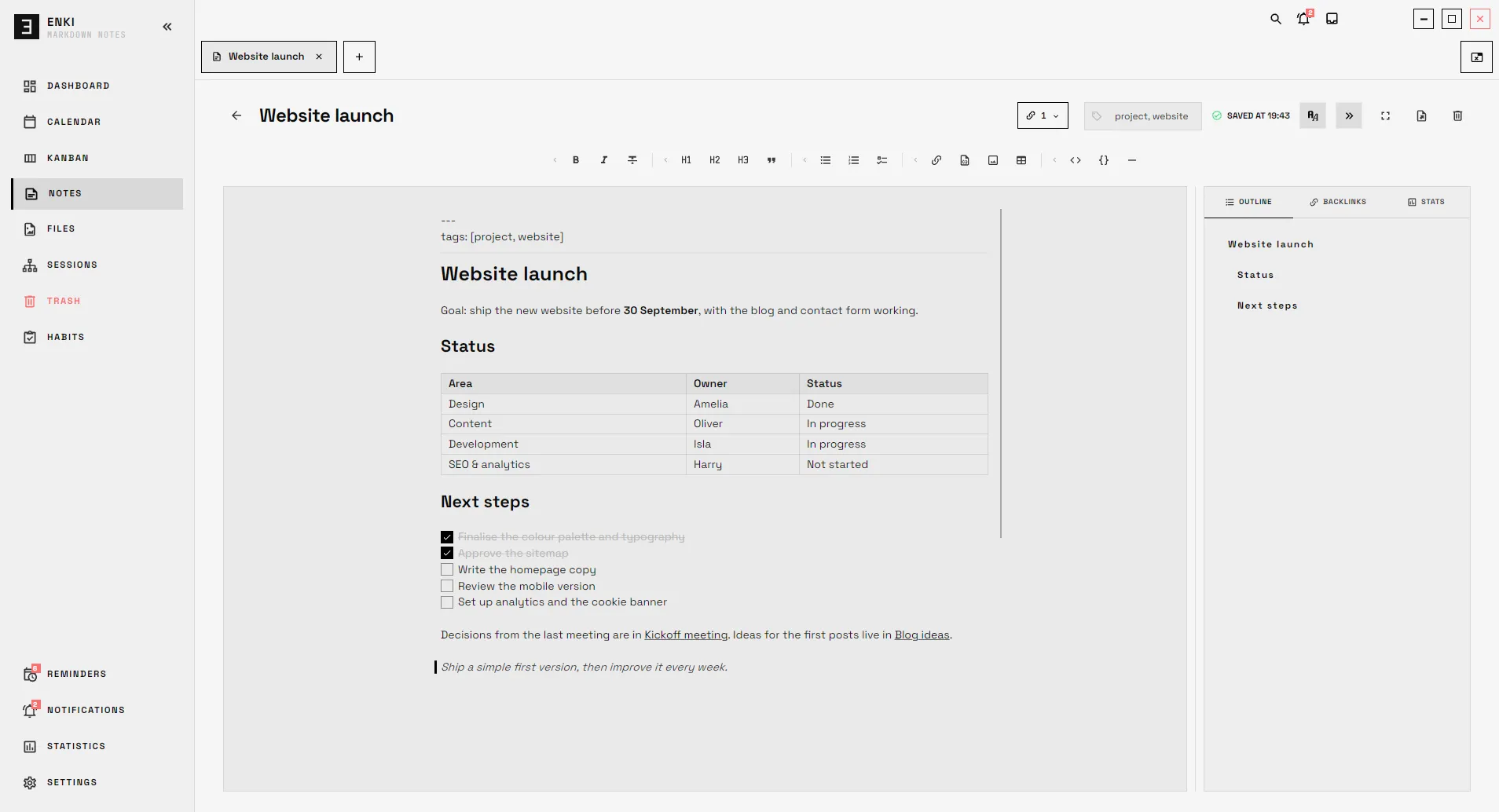
A vault of Markdown notes that lives on your disk, with folders, tags and links between notes.
- [[Wikilinks]] that update when you rename a note
- Tabs, outline, backlinks and stats for every note
- Daily notes, zen mode and HTML export
- Full-text search across your whole vault
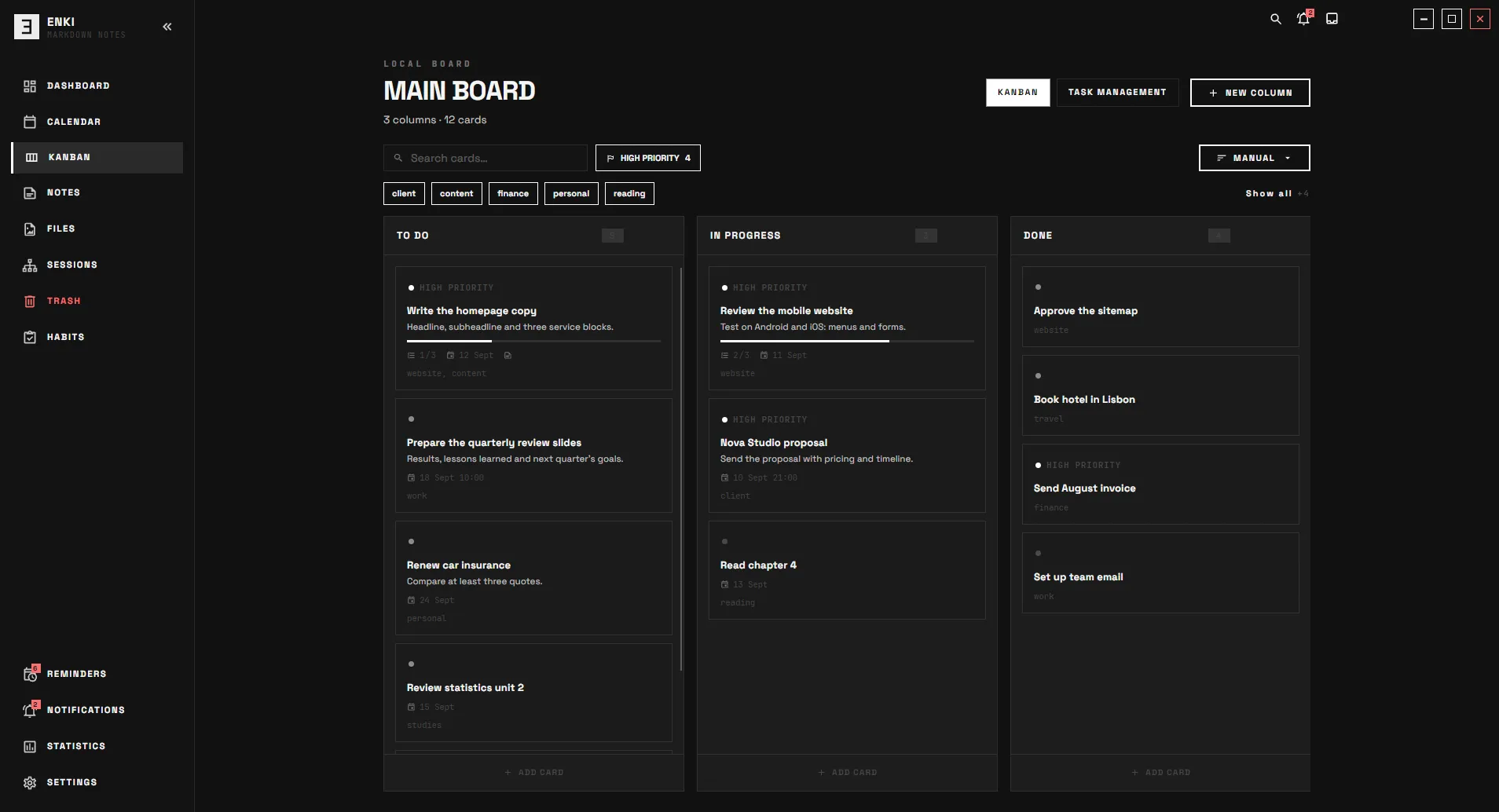
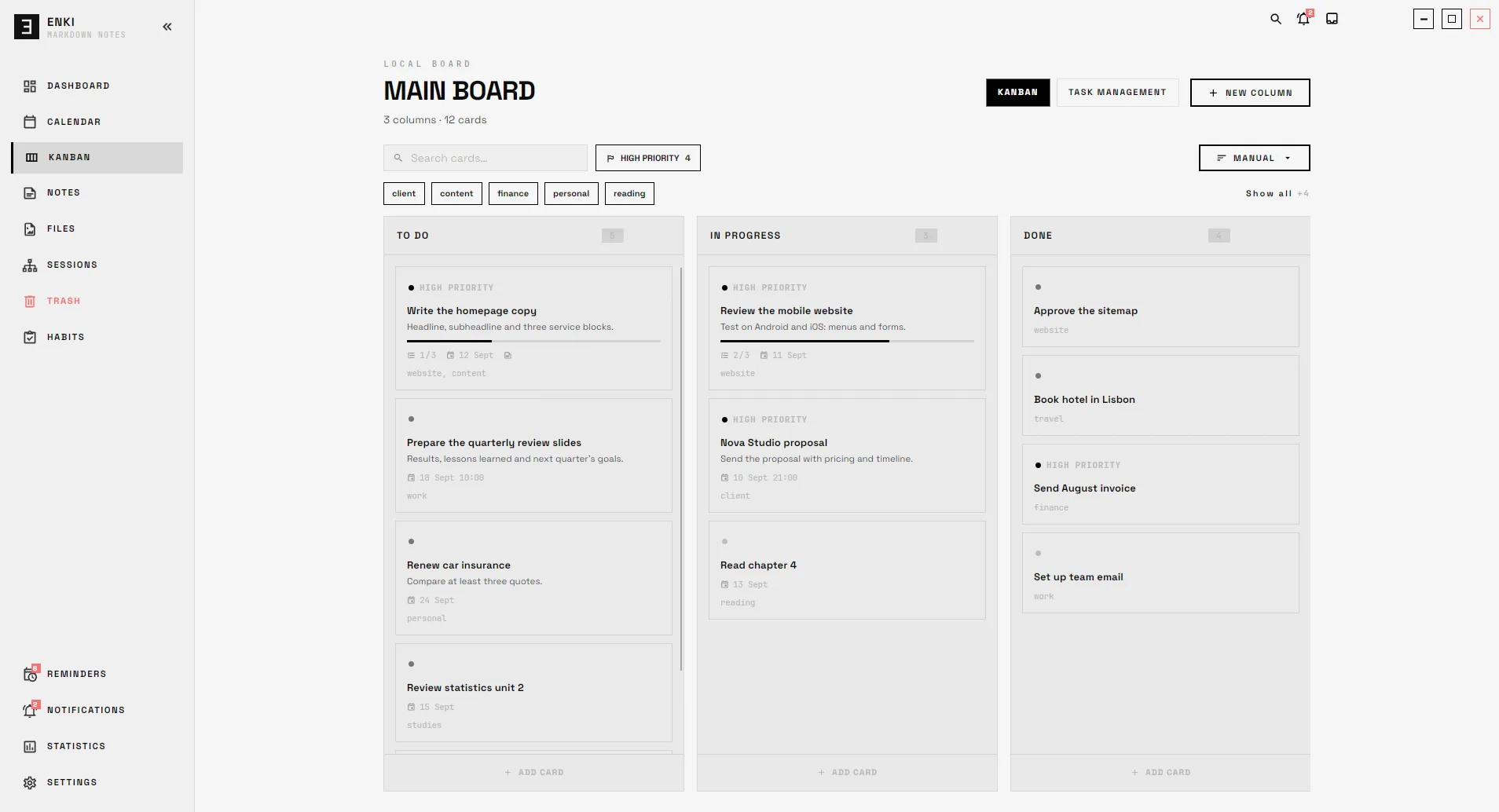
A board that depends on no one.
Local tasks with columns, priorities, due dates, tags and subtasks.
- Drag cards between columns
- Link each card to a note in your vault
- Archive finished work without losing it
- Restore anything you delete from the trash
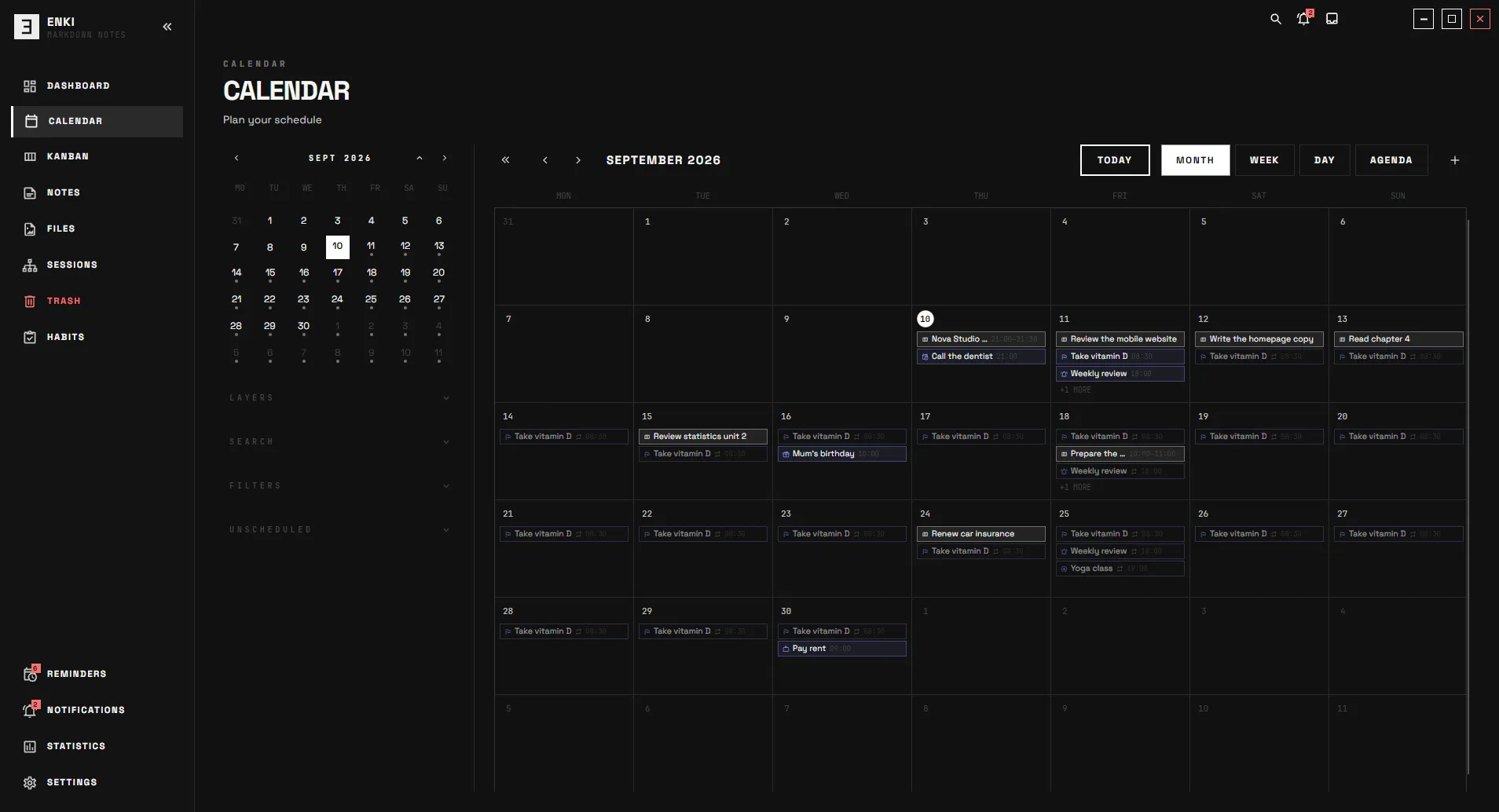
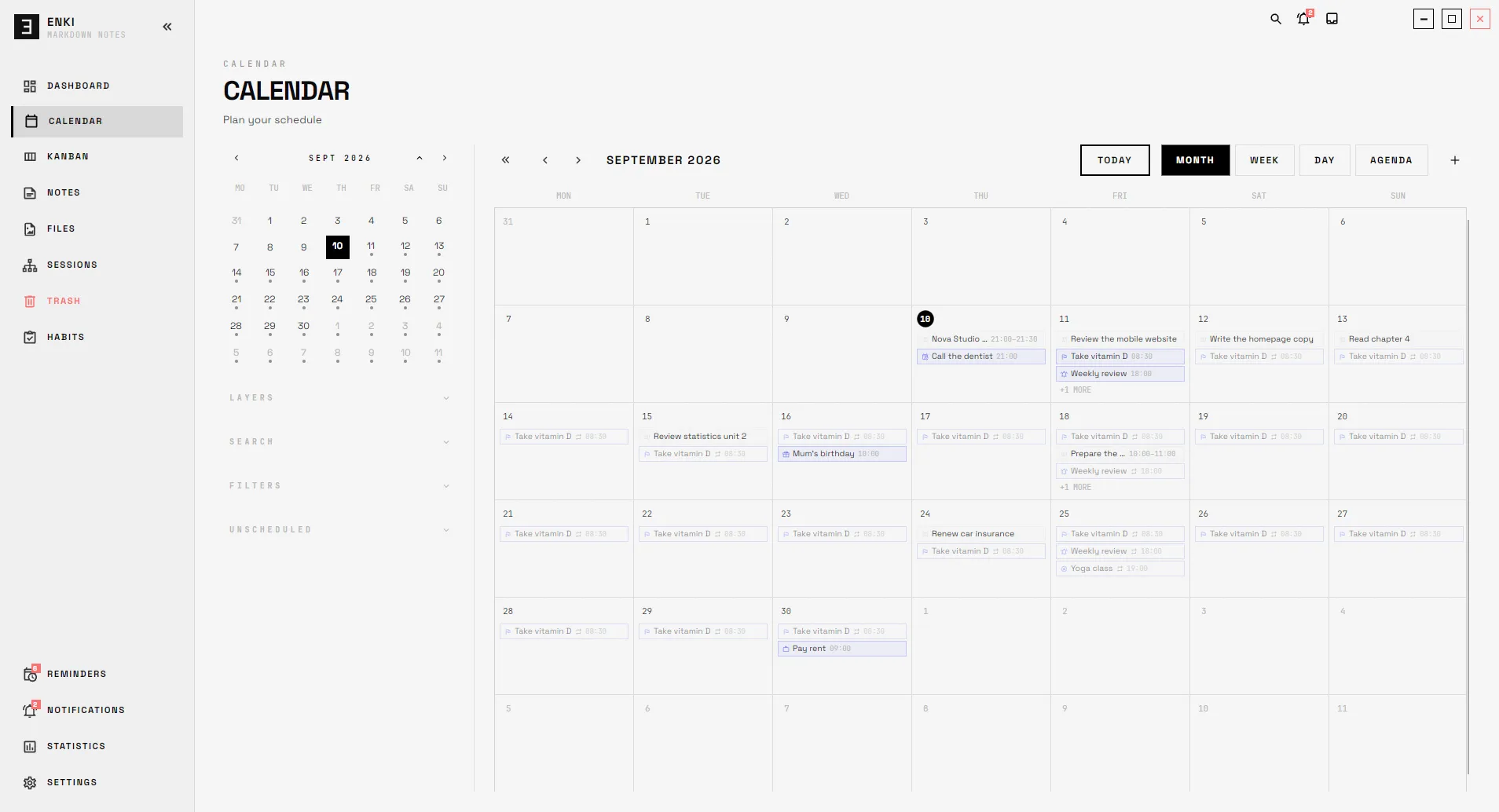
Everything with a date, in one place.
Your Kanban cards, Polar tasks and reminders in one unified view.
- Month, week, day and agenda views
- Drag an item to change its real date
- Layers by source, filters by priority or tag
- Create a reminder or a card from an empty slot
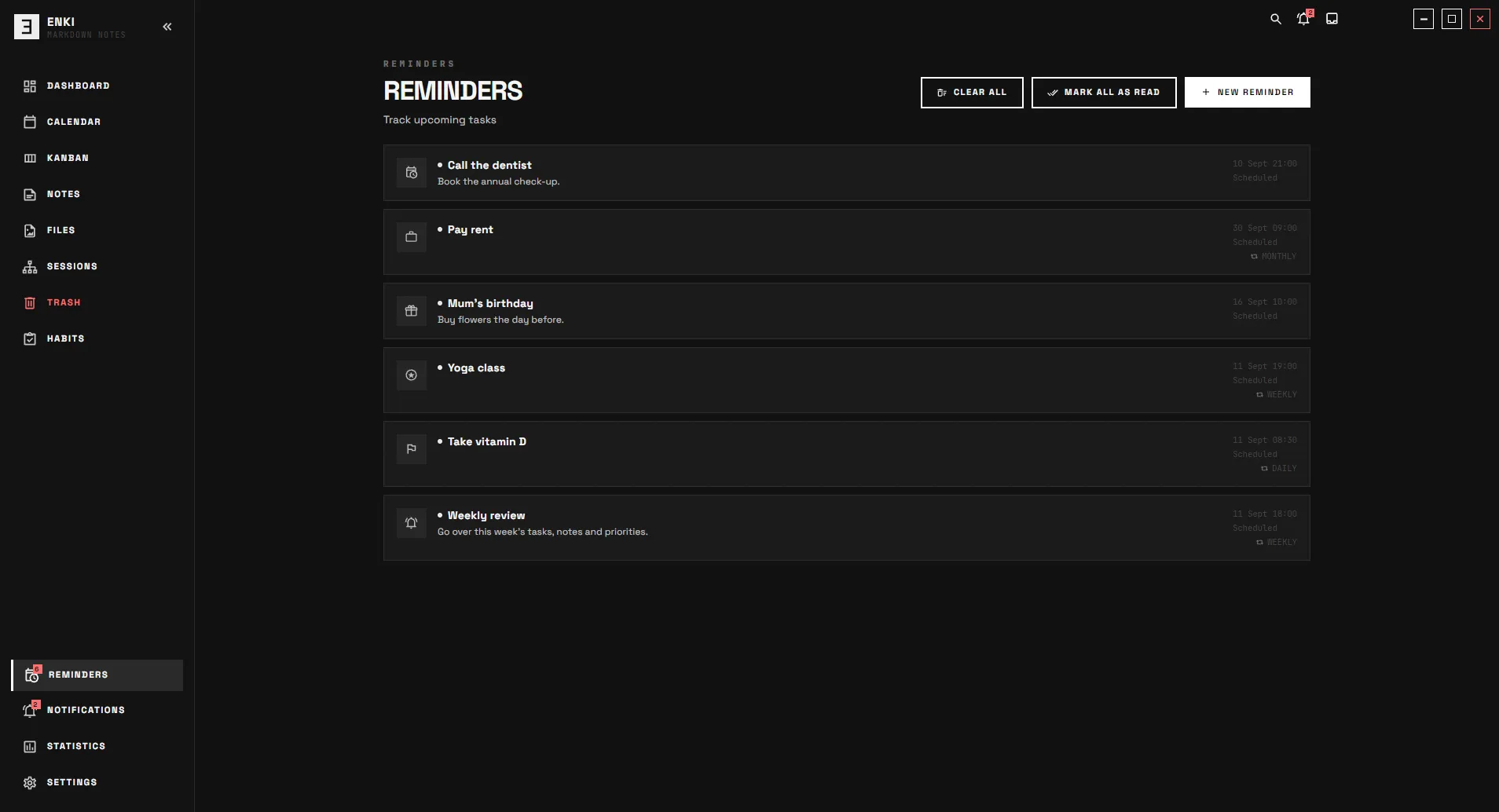
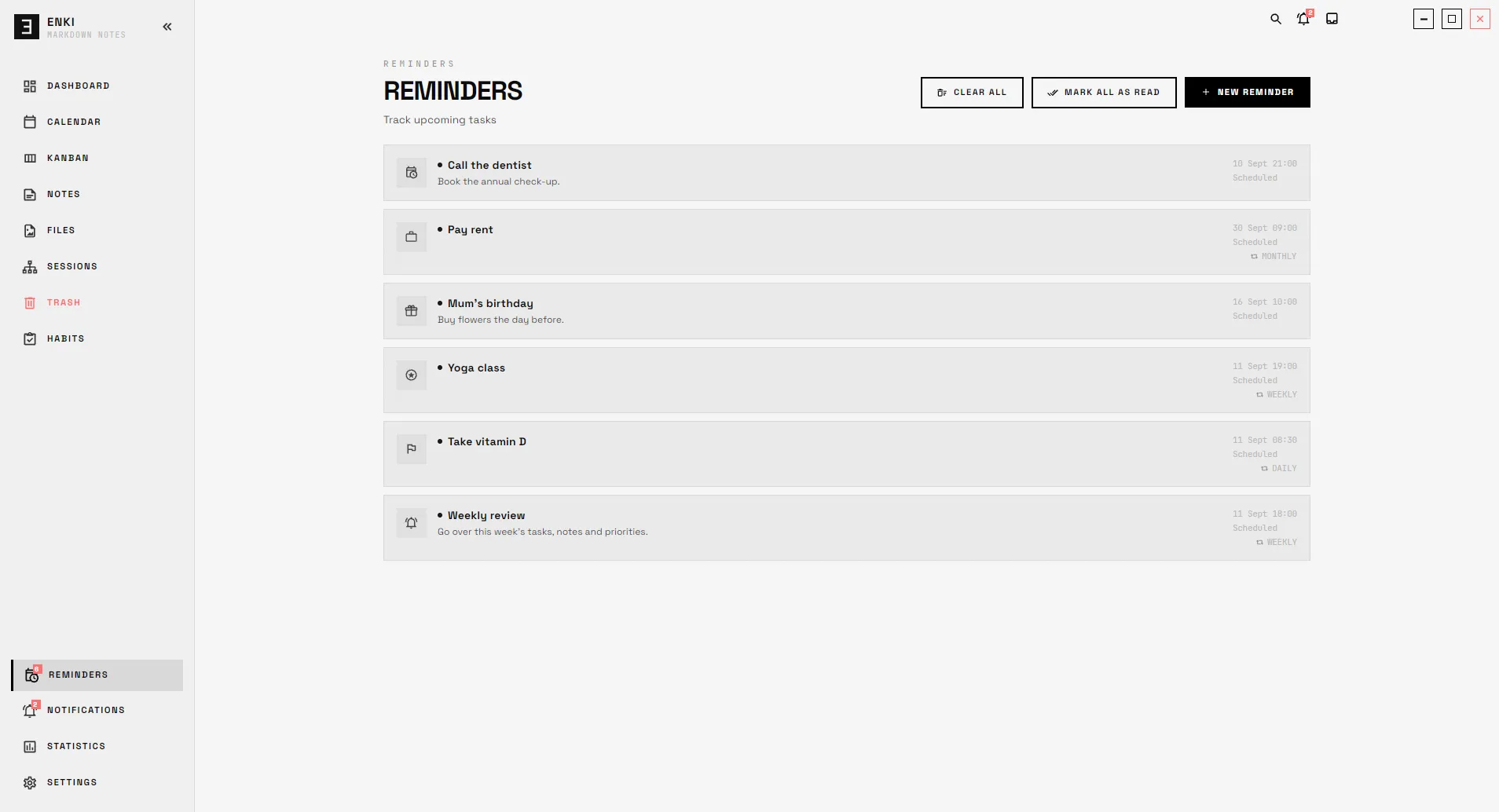
Alerts that arrive on time.
Standalone reminders with a date, a time and recurrence.
- System notifications when they're due
- A tray of due items, always at hand
- Do-not-disturb hours
- Synced with Polar if you link it
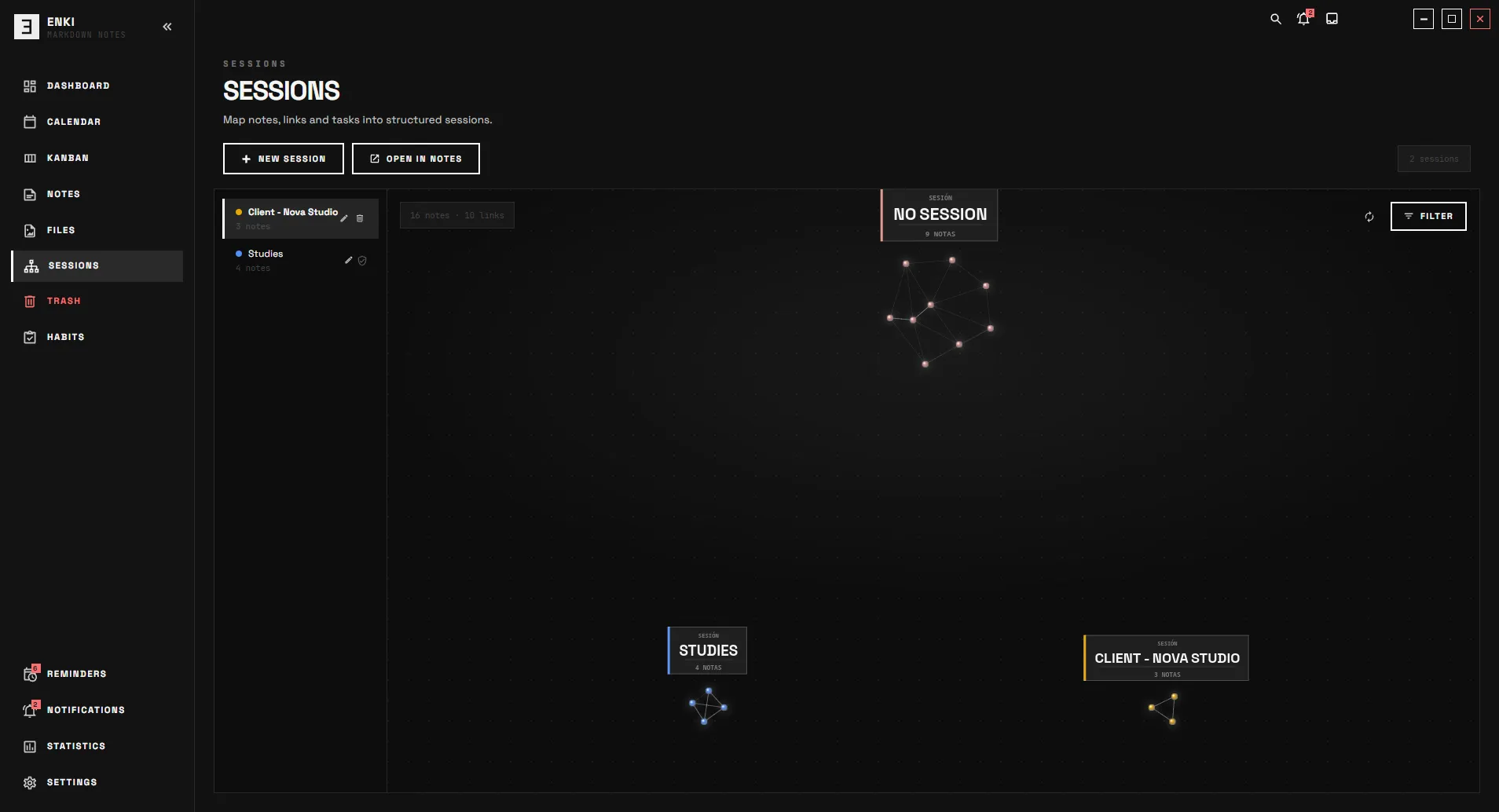
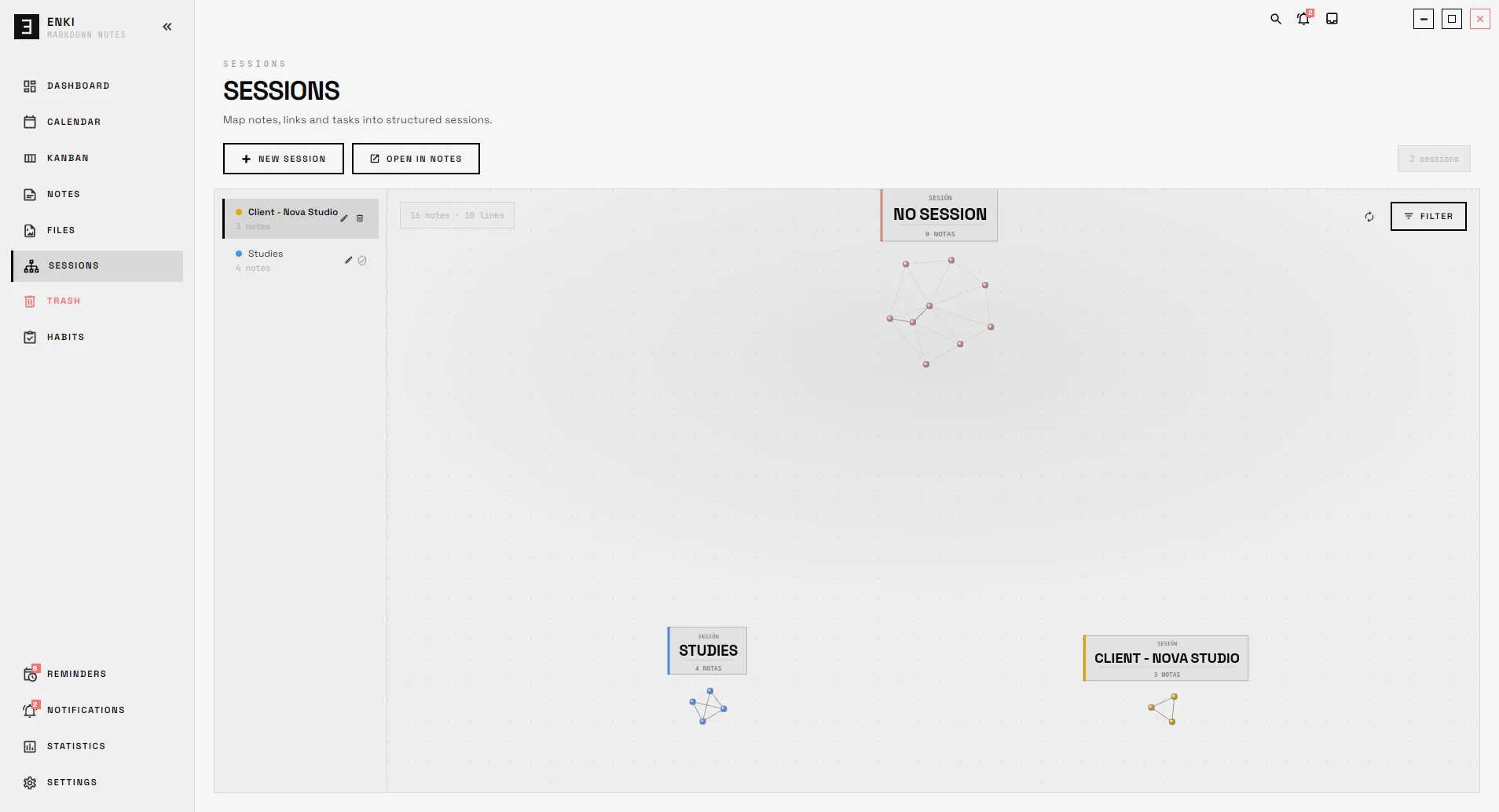
A space for every project.
Note subspaces for a thesis, a trip or a product, each with its own relationship graph.
- A visual graph of notes and links
- Draw manual links right in the graph
- Password protection
- They narrow what you see without deleting the rest
Your tasks, on your mobile too.
Tasks synced with Polar, Enki's sibling Android app. It's optional: without it, Enki works just the same.
- Lists, priorities, recurrence and subtasks
- Works offline and syncs when you're back
- Chains of tasks that depend on each other
- They show up in the calendar with everything else
Integrations
Connected, not cluttered.
Modules don't copy data between each other: they work on the same data. Change something in one place and it's changed everywhere.
Note and card
Link a Kanban card to a note. Rename the note and the card still points to it.
Calendar
Drag a task in the calendar and its date changes on the board, because it's the same task.
Today
The home dashboard gathers what's due today across Kanban, Polar and your reminders.
Trash
Notes, cards, files and reminders are restored from a single screen.
How it works
Three steps, then get to work.
Pick a language and a folder
The first time, Enki asks for a language and a folder for your vault: a new one or one you already have.
Write and plan
Create notes, cards and reminders. Link them together when it makes sense, not before.
Connect, if you want
Link Polar to take your tasks to your mobile. If not, everything keeps working locally.
Privacy
Your files, on your disk.
Enki doesn't store your notes on any server. They live in a regular folder you can open, copy or back up however you like.
my-vault/
├── Welcome.md
├── journal/
│   └── 2026-09-10.md
├── projects/
│   ├── thesis.md
│   └── trip-to-lisbon.md
├── .sessions/
└── .trash/
No account
No sign-up. Open the app, pick a folder and start.
Offline
The whole core works offline. Polar, the cloud part, is optional.
Open files
Every note is an .md file you can open with any editor.
Safe writes
Notes are saved atomically: they're never left half-written.
Encrypted sessions
Protect a session with a password and its content is encrypted with AES-GCM.
No telemetry
Enki doesn't send usage data to any server.
Compare
Enki next to what you already use.
Every tool has its focus. Here's how Enki compares on what matters most for personal use.
| Feature | Enki | Obsidian | Notion | Todoist |
|---|---|---|---|---|
| Notes as Markdown files on your disk | Yes | Yes | No | No |
| Works without creating an account | Yes | Yes | No | No |
| Works offline | Yes | Yes | Partial | Partial |
| Notes, tasks and calendar in the same app | Yes | With plugins | Yes | No |
| Kanban board | Yes | With plugins | Yes | Yes |
| Visual note graph | Yes | Yes | No | No |
| Team collaborationEnki is for one person, on purpose. | No | Partial | Yes | Yes |
Built-in features without third-party plugins or integrations, based on each product's public information as of September 2026.
Obsidian, Notion and Todoist are trademarks of their respective owners.
Who it's for
For one person: you.
Enki isn't a collaborative suite or a SaaS. It's a private space for anyone who wants everything connected and within reach.
A second brain
Linked notes, Zettelkasten-style, with backlinks and a graph.
A focused project
A thesis, a trip or a product in its own session.
Day to day
Tasks, due dates and reminders in a calendar that brings it all together.
Offline work
For working without internet, or with information that shouldn't leave your computer.
Desktop
Made for the keyboard.
Enki is a real desktop app: shortcuts for everything, tabs, themes and zoom.
- Jump to any noteCtrlP
- Search your whole vaultCtrlShiftF
- Command paletteCtrlShiftK
- Quick noteCtrlShiftN
- Zen modeCtrlShiftEnter
- Zoom the interfaceCtrl+
Your own shortcuts
Remap any shortcut from Settings.
Themes
Light, dark, or your own with the theme editor.
Zoom from 50 to 200%
Scales the whole interface, not just the text.
Trash for everything
Nothing is gone for good until you confirm it.
By the numbers
Facts, not promises.
- interface languages
- 6
- operating systems
- 3
- required accounts
- 0
- automated tests
- 1,300+
Ecosystem
On your mobile? Polar.
Polar is the Android task app that syncs with Enki. It's optional: link it only if you want to take your tasks with you.
Downloads
Enki is in beta.
You can now download Enki for Windows, macOS and Linux. It's a beta: it works day to day, but it may still have bugs. If you find one, let us know.
Public beta · v0.2.0
- Windows · x64Portable .zip · 82 MBDownload
- macOS · Apple Silicon.zip · 57 MBDownload
- macOS · Intel.zip · 58 MBDownload
- Linux · x64.tar.gz · 55 MBDownload
The builds aren't signed by Microsoft or Apple yet: the first time you open Enki, your system may ask you to confirm that you want to run it.
SHA-256 checksums
- enki-0.2.0-win-x64-portable-DEV.zip
- a0f23b06b871c4dd09a7f8cc837ccddd6c2d54d02bb5b775458760152a8426d9
- Enki-0.2.0-macos-arm64.zip
- abc63c00879816e814ba0c6d161e5e5e4f3762030c1e7c656e1d4991d04373f6
- Enki-0.2.0-macos-x86_64.zip
- d62d6c715b32ed89b2b3257672898db61ecadf51e61e3a5c91cfdb3d50af6632
- enki-0.2.0-linux-amd64.tar.gz
- 8743913c24e6b00243154baacc4f98af310e181e09a23a21045353367c688cd0
FAQ
Frequently asked questions.
Where can I download Enki?
From the downloads section on this page or from the release page on GitHub. The current version is beta 0.2.0, for Windows, macOS (Apple Silicon and Intel) and Linux.
Do I need to create an account?
No. Enki works without signing up. You only need an account if you choose to link Polar to sync tasks with your mobile.
Where are my notes stored?
In a folder on your disk that you choose, as regular Markdown files. Open them with any editor and back them up with any tool.
Does it work without internet?
Yes. Notes, Kanban, calendar and reminders work offline. Polar syncs when the connection comes back, and keeps working in the meantime.
What is Polar, and do I need it?
Polar is an Android task app that syncs with Enki through the cloud. It's optional: without it, Enki works exactly the same.
Does it sync notes between devices?
Not today. Polar tasks and reminders sync. Since your notes are regular files, you can copy them with whatever tool you prefer.
Does it have AI?
No. Enki doesn't include or connect to any AI engine. Its “skills” are text templates to use with the assistant of your choice.
Which languages is it available in?
Spanish (Spain and Latin America), English (US and UK), German and French. You can switch languages without restarting the app.
Is it open source?
No. Enki is proprietary software: all rights reserved.
How do I report a bug or suggest something?
Write to us at enki.support@rezzt.dev. We read every message.